
Esteban Jimenez
How push works and how to configure it in Stretto
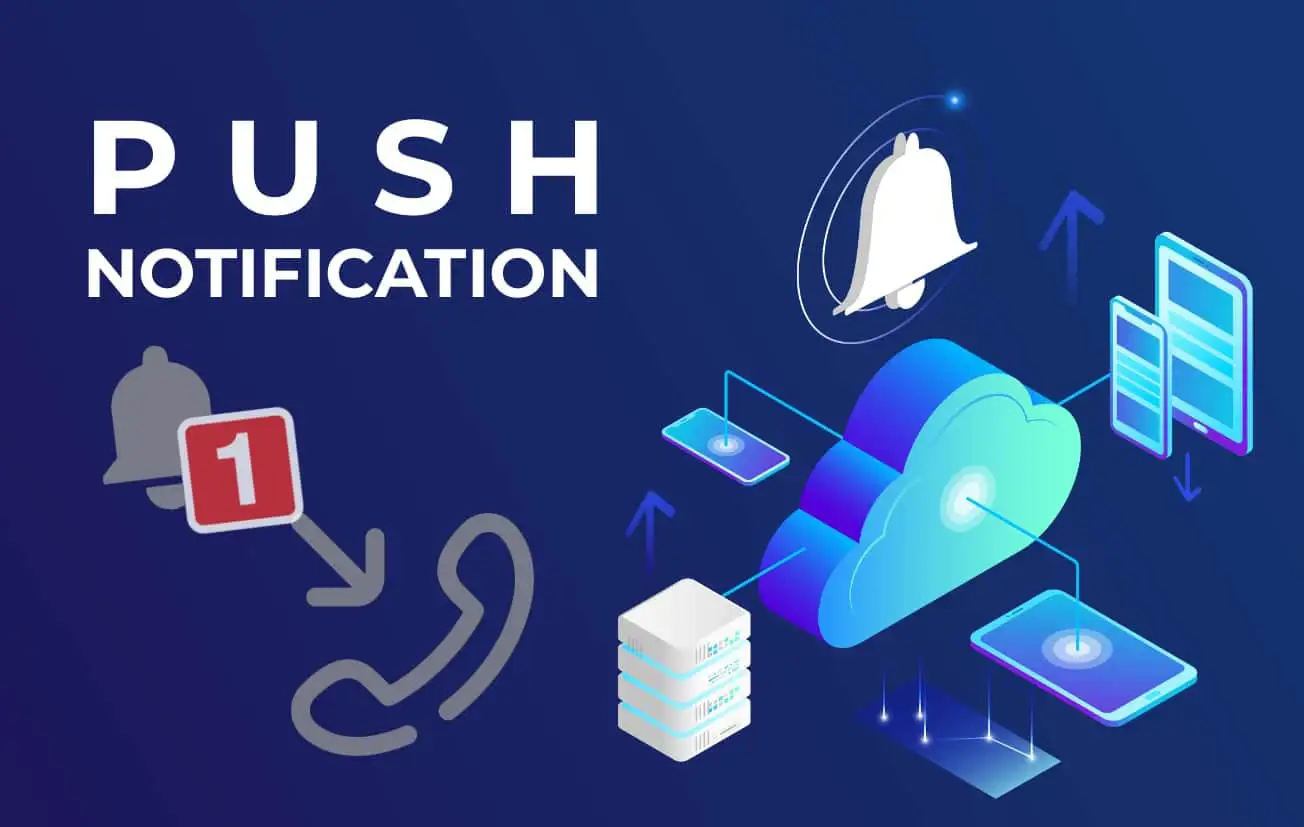
How Push works :
Softphones used on mobile devices can be heavy on battery consumption, and tend to drain the battery very quickly.
If you want to receive calls on a softphone, the application has to be constantly on the lookout for calls, which drains the battery.
That's why CounterPath has developed a push notification system that lets you close the application without missing a single call.
The principle is simple: when the application runs in the background or is closed by the operating system, the Bria Push servers connect to the SIP server just as the softphone would.
When a call is presented, the Push server sends a notification to the phone using the notification system integrated into iOS or Android, waking up the application that connects to the SIP server and receives the call.
Prerequisites :
For push to work properly, your SIP server must be reachable by Bria's push servers, and your mobile devices must be reachable by the operating system's notification services (Apple APN or Google FMC).
Make your SIP server reachable :
There are two ways to configure Bria to access your SIP server:
- For hosted SIP servers or the cloud: If your SIP server is in the cloud, your SIP clients will already connect via a public IP/domain also available for push servers. This IP (or domain) will be configured in the "accountN.credentials.domain" attribute. Push servers will use it to connect.
- For local SIP servers: If your SIP server is located within a private network, its IP is private, so Push servers won't be able to connect using the "accountN.credentials.domain" attribute. You will then need to configure a public IP (or domain) to be used by the Push, which can be configured in the "accountN.briaPush.OutboundProxy" attribute.
Note that your SIP clients will always connect using the value of the "accountN.credentials.domain" attribute to communicate with the server.
If you're using a custom port, you can add it to either attribute using the standard "domain:port" format.
Please refer to the documentation for further details.
Access to notification services :
Push servers will use your operating system's notification services to wake up the application, so it's important that your mobile devices have access to these services.
For further information, please follow the instructions provided by Apple and Google.
IMPORTANT: The only push notification service currently available for Android is the one from Google. Any other service such as those from Huawei will NOT work.
Configuring Push services :
To use Bria push servers on this account, you must first enable the push service from the provisioning interface, setting the value of the "bria.push.enabled" attribute to "true".
Set Push recording mode :
Push has 4 different registration methods, some of which allow Push to work only when only one device can be active at a time on the same SIP account, and ensure that no calls are missed even during transitions between the phone and the push server.
Account1Sip.briaPush.RegistrationMode:
Standard and Continuous modes are used if your VoIP service provider supports multiple registrations on the same SIP account. Single Device Emulation and Single Device Takeover modes are used if your VoIP service provider does not support multiple registrations. Most VoIP service providers support multiple registrations.
- Standard (0) : Allows Bria Push servers and Bria Enterprise clients to register to a client's SIP account on an alternating basis.
- Single Device Emulation (1): Ensures that the Bria Enterprise client and Bria Push server deregister before the other registers.
- Continuous (2): Ensures that the Bria Push server is always registered to the Bria Enterprise client. In this mode, all incoming calls and all outgoing calls from the Bria Enterprise client are handled by the Bria Push server. Continuous mode is used when a SIP server supports multiple registrations at the same time.
- Single Device Takeover (3): Bria Enterprise client and Bria Push server take over each other's registrations without first deregistering.
Other attributes:
accountNSip.briaPush.NATEmulation : Set to "true" if your VoIP service provider uses an SBC (session border controller), which will allow the Bria Push server to simulate registration behind a NAT (NetworkAddressTranslation) router or other network element.
accountNSip.briaPush.RegistrationRefresh: with a time interval value defined in seconds, it instructs the Bria Push server to re-register with the SIP server. It corresponds to the "Expires" field in the SIP INVITE.
AccountN.bria.push.AutoSend180 : The "AutoSend180" option tells the Bria push server to send a SIP 180RINGING message to the SIP server without waiting for the Bria mobile client to be awakened by an incoming call. Use this option if you have a latency problem when using Push.